

Add a profile picture
-
Having a profile picture makes it much easier for others to recognize you on the site. Follow these steps to upload your picture. While you are there, you may want to update your profile data.
Move your mouse over your name in the top right corner. In the dropdown click on ‘Edit My Profile’

Click on ‘Upload new profile picture’
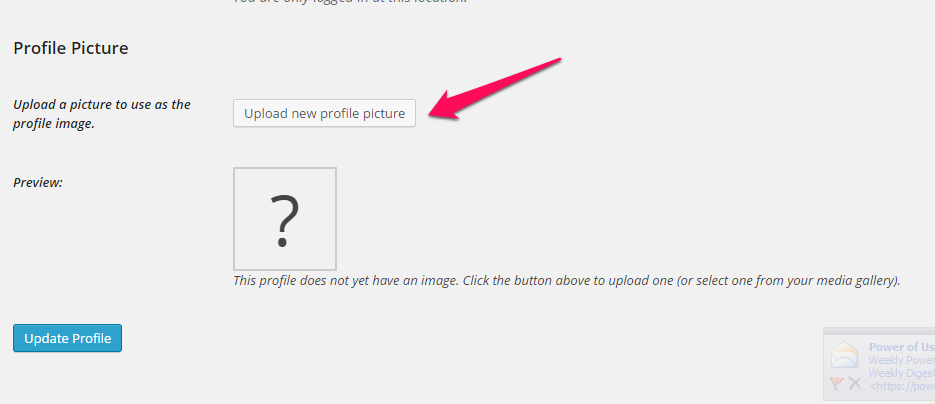
Click on ‘Select Files’, navigate to a file on your computer and choose a picture.

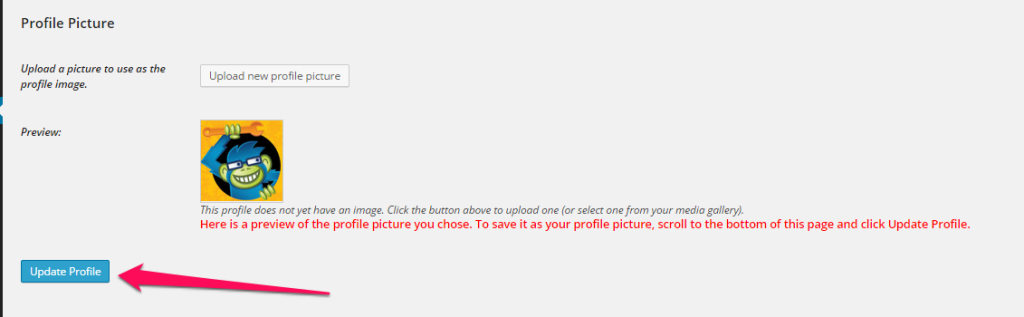
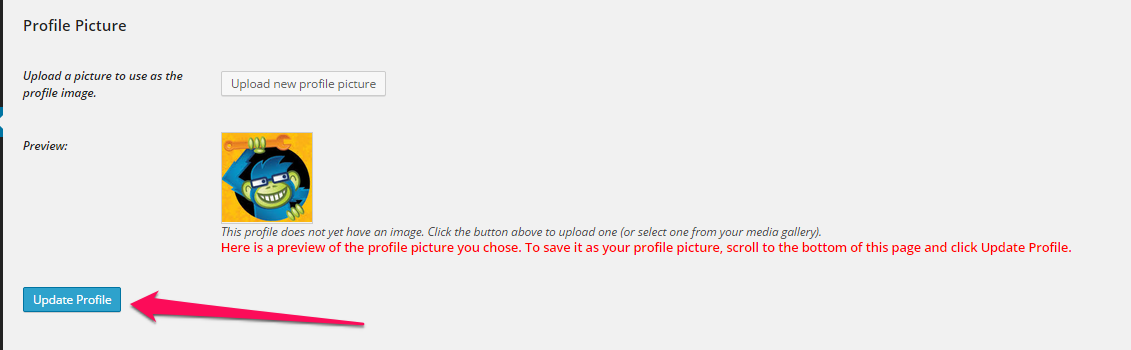
Once it is uploaded, click on ‘Make this my author profile picture”

Click ‘Update Profile’ on the bottom of the page.
Click on ‘Livestock & Fish Workshop’ to leave the Admin Dashboard and return to the site.

About Bernhard Hack
Related Posts

Summary - Opinions and scenarios 26. March 2015 0 comments
Day 4: Instructions 26. March 2015 0 comments
Recent Comments